- Go 77.3%
- HTML 22.7%
| Filename | Latest commit message | Latest commit date |
|---|---|---|
| go.mod | ||
| go.sum | ||
| index.html | ||
| LICENSE | ||
| main.go | ||
| README.md | ||

pimgo
paste · image · go — ultra lightweight web image hosting
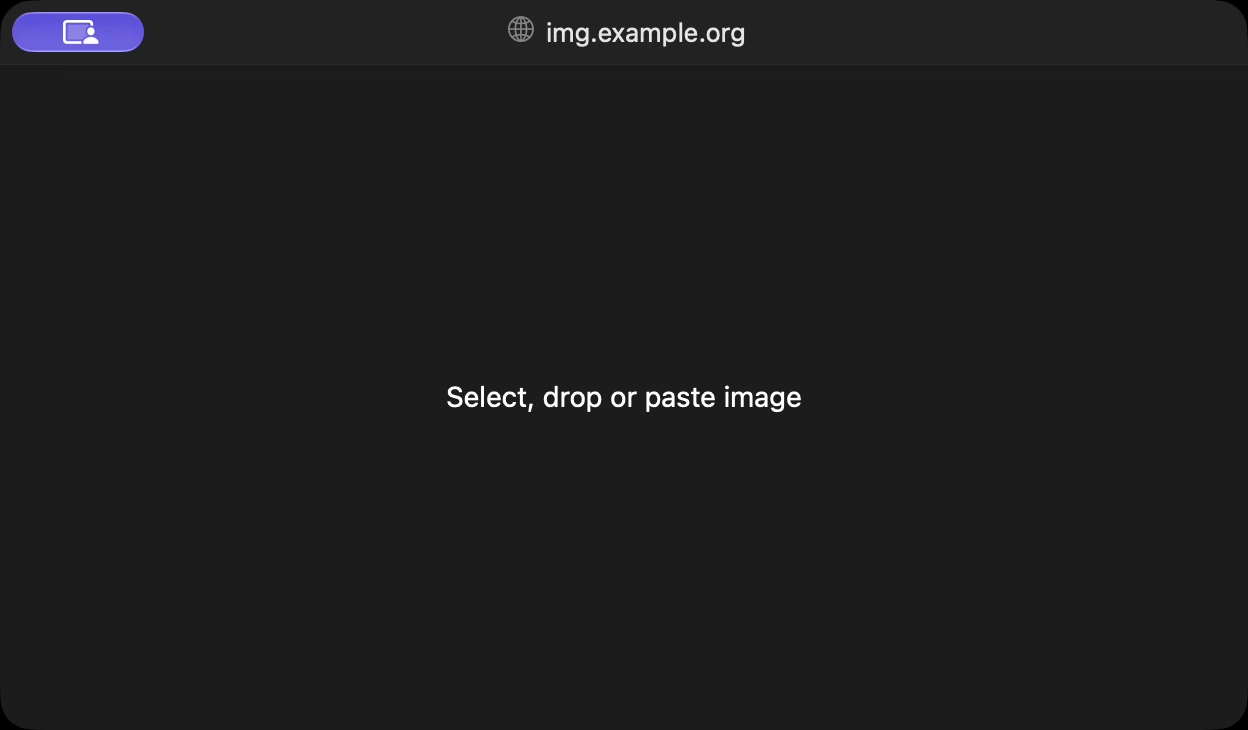
paste image in browser → pimgo converts to avif and strips metadata → you get a static file link on your server
Install & setup
- Download server binary (10 MB, needs glibc or
gcompat) - Run it, e.g
pimgo --listen 127.0.0.1:3000 --dir /srv/my-files/ - Configure your web server to proxy
/→127.0.0.1:3000, rest →/srv/my-files
Optional: install libavif ≥ 1.1 for ~9× faster encoding
- Debian 13+/Ubuntu 26.04+/Alpine 3.22+:
libavif-dev - Arch Linux:
libavif - Fedora/openSUSE:
libavif-devel
How to: serve with Caddy (recommended)
img.yourdomain.org {
	root /srv/my-files
	basic_auth / {
		# run `caddy hash-password`, replace HASH with the result, then login with "me" + the password
		me HASH
	}
	reverse_proxy / 127.0.0.1:3000
	# OR: reverse_proxy / unix//run/pimgo.sock
	file_server
}
Want cache? Add this line line before reverse_proxy:
header /*.avif Cache-Control "public, max-age=31536000, immutable"
How to: serve with nginx
Generate a password: htpasswd -cB /etc/nginx/pimgo.htpasswd me
/etc/nginx/sites-available/img.yourdomain.org
server {
	listen 443 ssl;
	server_name img.yourdomain.org;
	ssl_certificate     /etc/letsencrypt/live/img.yourdomain.org/fullchain.pem;
	ssl_certificate_key /etc/letsencrypt/live/img.yourdomain.org/privkey.pem;

	root /srv/my-files;

	location = / {
		auth_basic "pimgo";
		auth_basic_user_file /etc/nginx/pimgo.htpasswd;
		client_max_body_size 50m;

		proxy_pass http://127.0.0.1:3000;
		# OR: proxy_pass http://unix:/run/pimgo.sock;

		proxy_set_header Host $host;
		proxy_set_header X-Forwarded-Proto $scheme;
	}
}
Want cache? Add these lines before location = / {:
location / {
	add_header Cache-Control "public, max-age=31536000, immutable";
}
How to: serve with Apache
Generate a password: htpasswd -cB /etc/apache2/pimgo.htpasswd me
/etc/apache2/sites-available/pimgo.conf
<VirtualHost *:443>
	ServerName img.yourdomain.org
	SSLEngine on
	SSLCertificateFile    /etc/letsencrypt/live/img.yourdomain.org/fullchain.pem
	SSLCertificateKeyFile /etc/letsencrypt/live/img.yourdomain.org/privkey.pem

	DocumentRoot /srv/my-files
	<Directory /srv/my-files>
		Options -Indexes
		AllowOverride None
		Require all granted
	</Directory>

	ProxyPreserveHost On
	RequestHeader set X-Forwarded-Proto https
	ProxyPassMatch "^/$" "http://127.0.0.1:3000/"
	# OR: ProxyPassMatch "^/$" "unix:/run/pimgo.sock|http://localhost/"

	<LocationMatch "^/$">
		AuthType Basic
		AuthName "pimgo"
		AuthUserFile /etc/apache2/pimgo.htpasswd
		Require valid-user
	</LocationMatch>

	AddType image/avif .avif
</VirtualHost>
Want cache? Add this line after <Directory /srv/my-files>:
Header set Cache-Control "public, max-age=31536000, immutable"
How to: run with systemd
Create a user that owns the files: useradd --system pimgo && chown pimgo /srv/my-files
/etc/systemd/system/pimgo.service
[Unit]
After=network.target

[Service]
ExecStart=/usr/local/bin/pimgo --listen 127.0.0.1:3000 --dir /srv/my-files
ReadWritePaths=/srv/my-files

User=pimgo
DynamicUser=yes
UMask=0022
Restart=on-failure

[Install]
WantedBy=multi-user.target
systemctl daemon-reload && systemctl enable --now pimgo
How to: run with systemd and unix socket
/etc/systemd/system/pimgo.socket
[Socket]
ListenStream=/run/pimgo.sock
SocketUser=root
SocketGroup=caddy
SocketMode=0660

[Install]
WantedBy=sockets.target
Create a user that owns the files: useradd --system pimgo && chown pimgo /srv/my-files
/etc/systemd/system/pimgo.service
[Service]
ExecStart=/usr/local/bin/pimgo --dir /srv/my-files
ReadWritePaths=/srv/my-files

User=pimgo
DynamicUser=yes
UMask=0022
systemctl daemon-reload && systemctl enable --now pimgo.socket
Build from source
Builds are reproducible.
CGO_ENABLED=0 GOTOOLCHAIN=go1.27.1 go build -trimpath -buildvcs=false -ldflags='-s -w'
Add -tags nodynamic for a fully static binary that never loads libavif (musl without gcompat, NixOS).